Best for vector PDFs
Logos, diagrams and illustrations exported as vector drawing commands are good candidates. Conversion extracts the selected page, not the original document's layers or editing history.
CleanVector / vector utilities
Extract a page from your PDF as an SVG you can inspect, download and continue editing. Vector drawing commands stay vector; photographs and scanned pages remain raster images inside the SVG.
Free account · no credits · up to 10 MB / 100 pages
The PDF is processed on our server in a temporary workspace. Temporary input and output files are deleted after the conversion finishes or fails.
Choose or drop a PDF no larger than 10 MB, with at most 100 pages. Password-protected documents need an unlocked copy.
Enter the page number and convert it. The result shows the document's page count, so you can select another page without choosing the file again.
Check the preview and any embedded-image warning. Download the SVG, or send it to the SVG editor to recolor, crop and export.
An inspectable example
The left image is a rendering of our one-page sample PDF. The right is its actual converted SVG: the checkmark stays vector and the lettering becomes outlines. Download both files to inspect them.
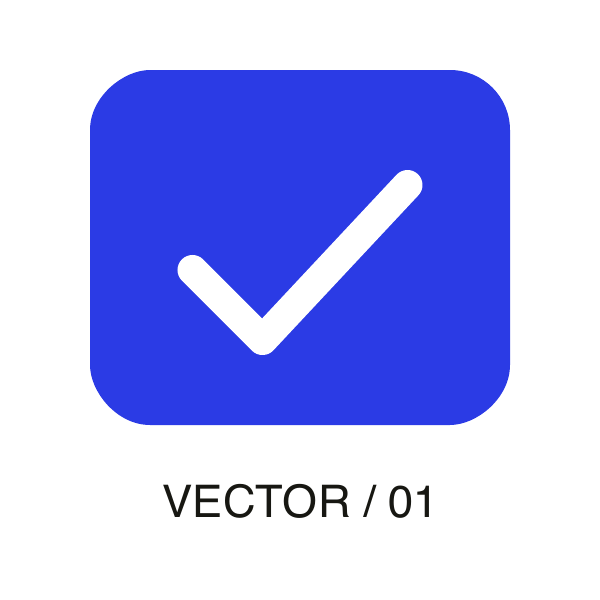
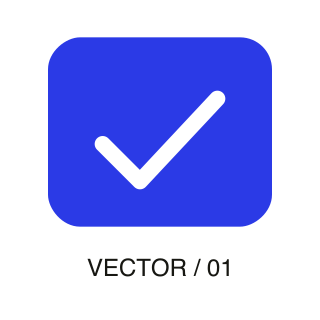
1 page · 0 embedded raster images · outlined lettering
These fixed example files are available without signing in. Your own files use the account and plan requirements shown above.
Before you export
Logos, diagrams and illustrations exported as vector drawing commands are good candidates. Conversion extracts the selected page, not the original document's layers or editing history.
Where supported, letter shapes are preserved as outlines. They scale with the drawing but are no longer editable text. Check unusual fonts and complex effects in the preview.
Changing the container to SVG does not trace a photograph. The result reports embedded raster images so you can distinguish a vector page from pixels wrapped in an SVG.
Common questions
Yes. A free CleanVector account is required, but PDF conversion and SVG download use no credits and do not require a paid subscription.
Not with this converter alone. A scanned page remains an embedded raster image. For a simple scanned logo or drawing, first extract a PNG, then use an image vectorizer and inspect the traced result.
No. This tool converts one selected page at a time from PDFs containing up to 100 pages. It does not create a batch ZIP or combine multiple pages into one SVG.
Supported vector paths and font outlines are retained, but PDF and SVG do not support every feature in the same way. Inspect complex masks, transparency and unusual typography before using the file in production.
Yes. Use Continue in SVG editor for supported color and canvas edits, or open the downloaded file in your vector application. Text converted to outlines is edited as shapes, not as live text.