Convert
Convert an image to SVG
Upload a PNG, JPG or WebP and get clean vector paths with a transparent background.
Describe the logo, icon, mascot or illustration you need. CleanVector creates the artwork and delivers a clean, editable SVG ready to recolor, resize and use anywhere.
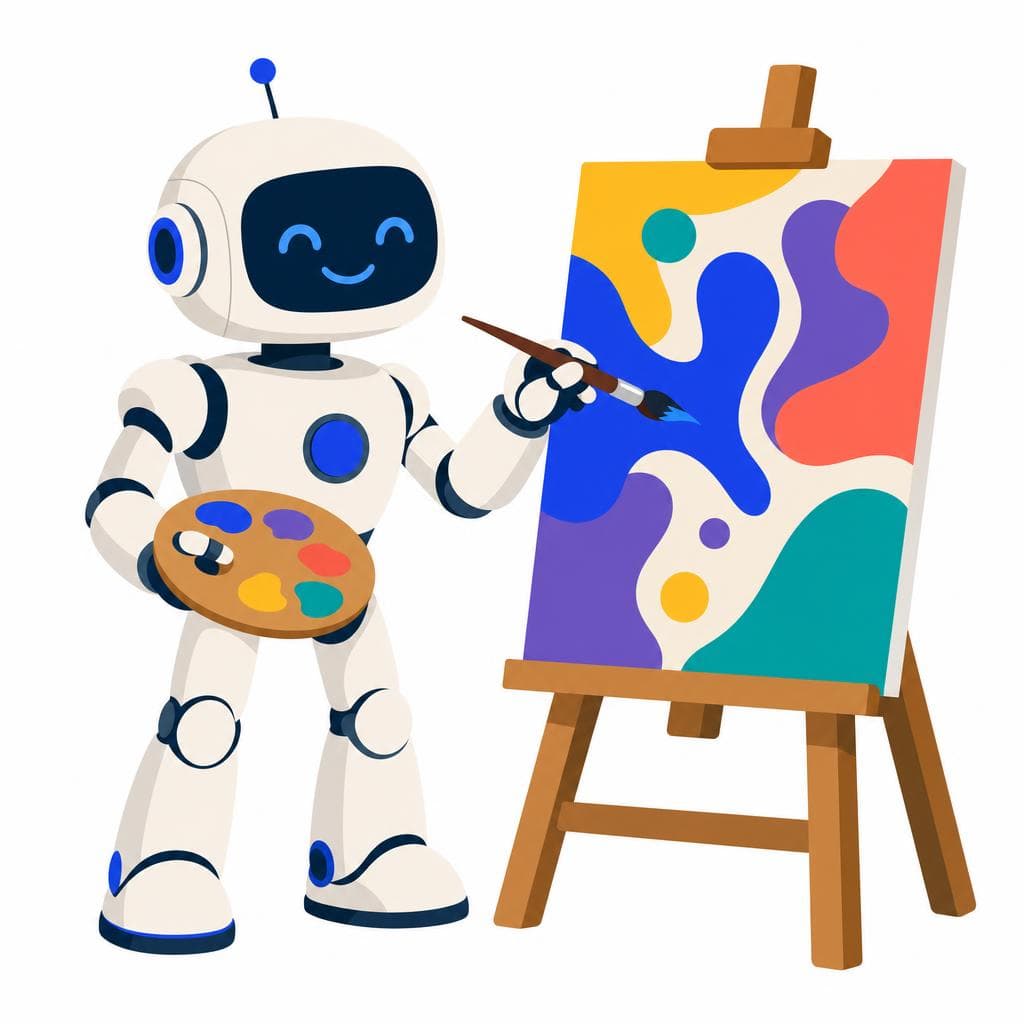

Drag to compare the generated image with the finished, editable SVG.
Tools
Convert
Upload a PNG, JPG or WebP and get clean vector paths with a transparent background.
Generate
Describe what you need and download it as an editable SVG with PNG exports.
Inspect & fix
Check an SVG, remove a white canvas or render a PNG. Free, in your browser.
How it works
Describe what you need, review the result, adjust the colors and export.
Write what you need: a logo mark, an icon, a mascot or an illustration. No source image required.

CleanVector turns the prompt into a polished image designed to work as a reusable asset.
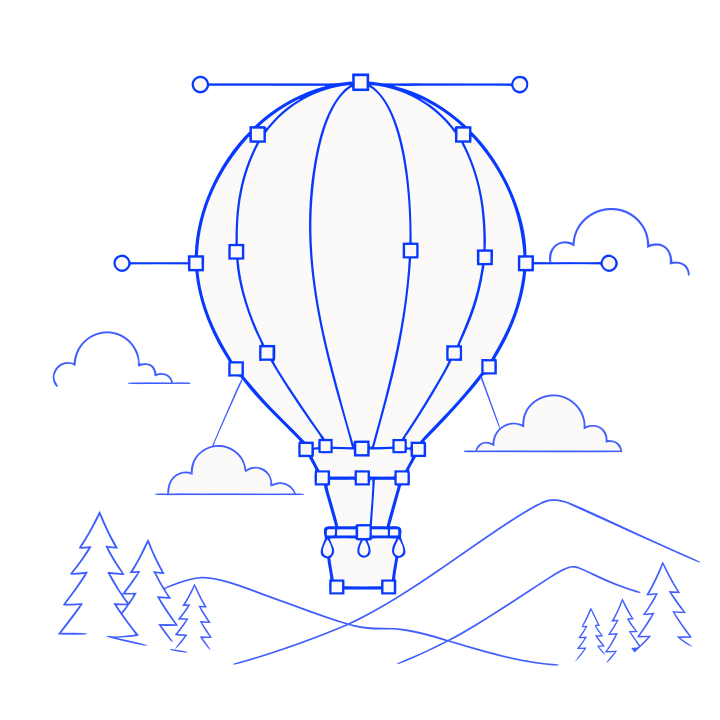
The background is removed and the artwork is rebuilt as vector geometry you can recolor.
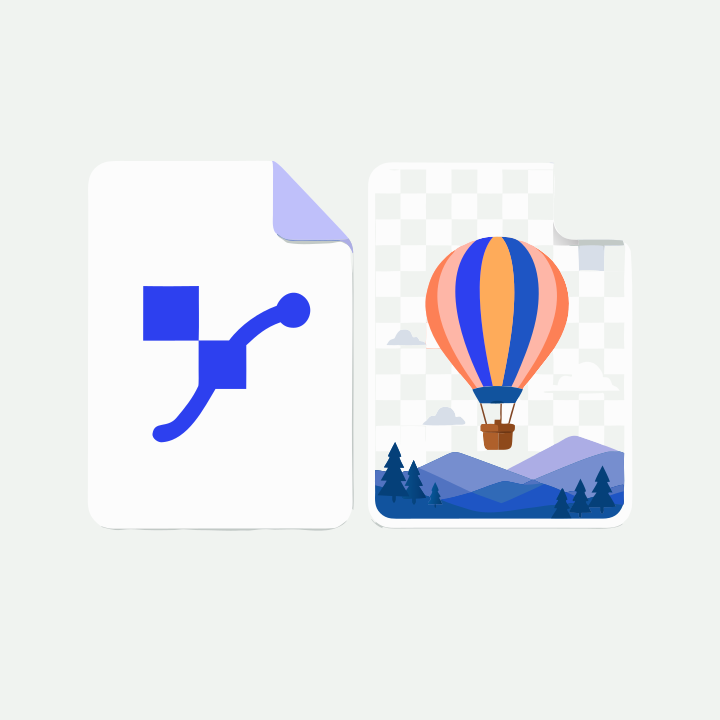
Download the editable SVG, or render a transparent PNG at the exact size you need.
Transparency
No white boxes, no fringing, no matte edges. This is the same file on four different surfaces.
Scale
The same vector rendered from 24px to 384px with no quality loss. Once an SVG is unlocked, re-exports are free.
Examples
Every piece started as a prompt or an upload and finished as a clean, editable SVG. Hover a card to see the source image.
Read how CleanVector works and what to check before using an asset.
Brand assets


AI logo generator
Describe the brand, add the name, and receive an editable original plus black and white variants, transparent PNGs, a measured palette and a ZIP. The name is set in real vector type, so the spelling is always exact.
Explore the AI logo generator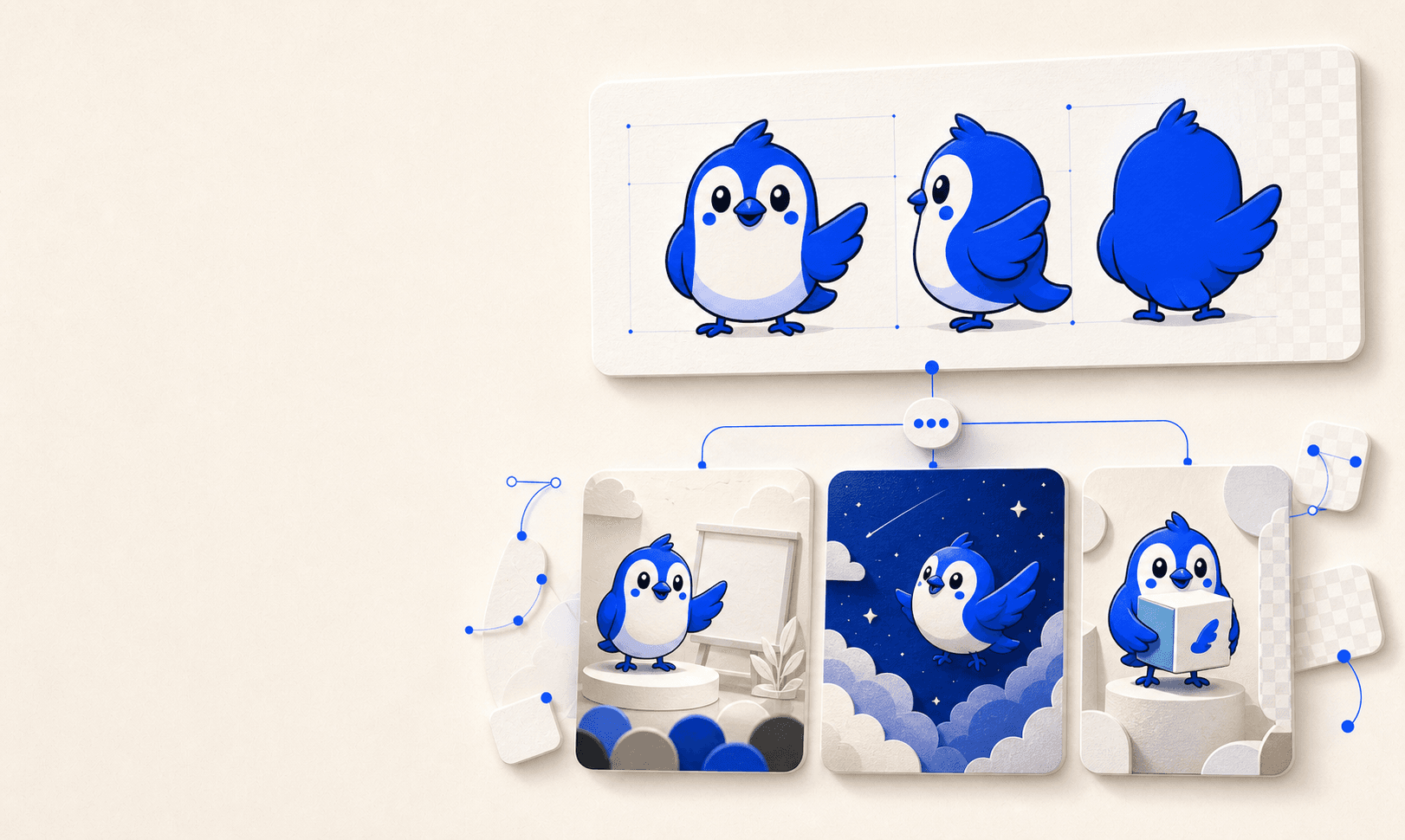
AI mascot generator
Start from a description or an existing character. CleanVector builds front, side and back views and uses them in every new prompt, so the mascot stays recognizable.
Create a mascotPricing
1 credit converts an image, 4 credits generate a new one. Every plan renews monthly.
For trying ideas and small projects.
150 credits a month
For designers and content teams.
600 credits a month
For heavy production workloads.
1700 credits a month
The free plan includes 10 credits every month, one permanent SVG download and unlimited PNG exports, so you can judge the output before paying. Compare plans.
FAQ
Every result comes with the color editor and transparent PNG exports. A free account can permanently unlock the SVG of one asset; Starter and higher plans unlock SVG export for every asset. Re-exports never spend credits.
Most AI image tools stop at a fixed raster. CleanVector gives you editable SVG artwork with real transparency, adjustable colors and exports that stay sharp at any size.
Yes. Create a mascot from a description or a reference image and CleanVector builds front, side and back views. That reference sheet is used in every later prompt, so the character stays recognizable in new scenes.
Yes. The logo generator delivers one concept with editable original, black and white SVG variants, transparent PNGs, a measured palette and a ZIP download for 8 credits.
Yes. Upload a PNG, JPG or WebP and convert it for 1 credit. The JPG and AI image converters clean up the source first for 4 credits.
Credits are the unit of work: converting an image costs 1 credit and generating a new one costs 4. Credits renew on the first day of every billing cycle and do not roll over.
You do. Everything you create with CleanVector is yours to use commercially.

