Vector stays vector
Paths, fills and strokes drawn by the EPS become SVG paths. The converter does not trace the low-resolution preview or redraw the artwork.
CleanVector / vector utilities
Turn an EPS logo, icon or illustration into an SVG you can inspect, edit and use on the web. Vector paths stay vector, the canvas follows the EPS bounding box and text becomes outlines.
Free account · no credits · up to 10 MB
The EPS is interpreted on our server by Ghostscript in safe mode, inside a temporary workspace with strict time and memory limits. Input and output files are deleted after the conversion finishes or fails.
Choose or drop an .eps file up to 10 MB. Files with a TIFF or WMF preview header are accepted; the preview is ignored and the PostScript drawing is converted.
Sign in, then convert. A multi-page PostScript file is converted from its first page.
Check the preview and any embedded-image warning. Download the SVG, or continue in the SVG editor to recolor, crop and export.
An inspectable example
The left image is Ghostscript's own rendering of our hand-written sample EPS. The right is the actual SVG this converter produced from it: the badge stays vector and the lettering becomes outlines. Download both files to compare them.
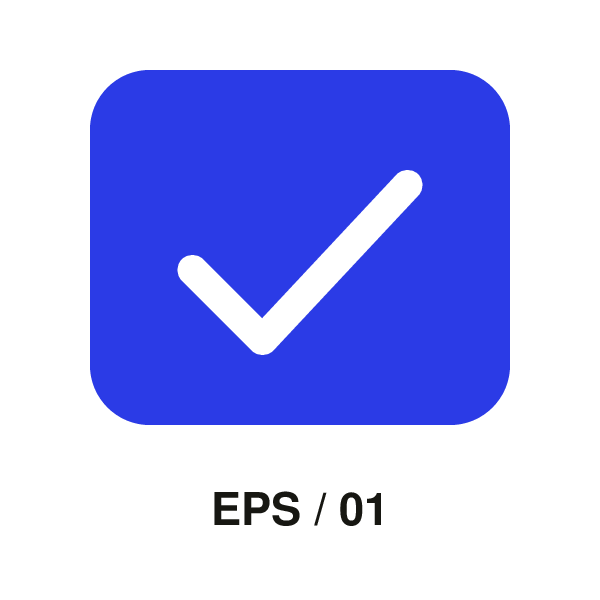
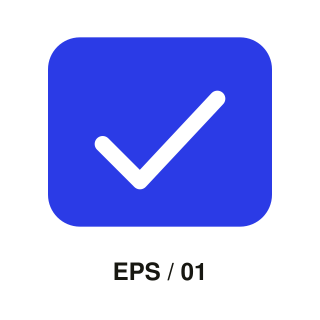
240 × 240 pt bounding box · 0 embedded raster images · outlined lettering
These fixed example files are available without signing in. Your own files use the account and plan requirements shown above.
Before you export
Paths, fills and strokes drawn by the EPS become SVG paths. The converter does not trace the low-resolution preview or redraw the artwork.
Letters are converted to shapes, so a missing font cannot change the result. They scale cleanly but are no longer editable as text.
An EPS that wraps a photograph or a scan becomes an SVG with an embedded image. The result reports embedded images so you can tell the two apart.
Common questions
Yes. A free CleanVector account is required, but converting and downloading the SVG use no credits and do not need a paid plan.
No. Convert it here, then open the SVG in a browser, Figma, Inkscape, Affinity Designer or Illustrator. SVG is supported by most design and web tools.
EPS files often name fonts that are not installed elsewhere. Converting letters to outlines keeps the look identical at the cost of editable text. Retype the text in your design app if you need to change it.
Yes, but the photo stays a raster image inside the SVG. Use an image vectorizer if you need it traced into paths, and inspect the result before using it.
An EPS is a small PostScript program, so we run it in Ghostscript's safe mode without access to other files, under CPU, memory and time limits, in a workspace that is deleted afterwards.